
July 21, 2026
Choosing Between Replacing a Device and Using an External Streaming Device When OTT App Support Ends on an Older Smart TV
A streaming application disappearing from an older smart TV does not necessarily mean that the television has reached the end of its useful life. In many cases, the screen, speakers, and HDMI inputs continue working normally while the built-in operating system can no longer receive current versions of Netflix, Disney+, Prime Video, YouTube, or a regional streaming service.
Netflix notes that its application may no longer be available on some televisions and streaming devices made before 2015. When a television loses support, Netflix itself suggests checking whether a compatible streaming stick, set-top box, or game console can be connected through HDMI.
The practical decision is therefore not simply whether the old application still opens. It is whether the television remains good enough to use as a display, whether an external player will be comfortable for the household, and whether the expected remaining life of the screen justifies spending money on another accessory.
A TV with a healthy panel and reliable HDMI input can often remain useful for several more years. A television with fading brightness, damaged pixels, unstable ports, poor sound, and an increasingly frustrating remote is a different case. Adding another device may restore the streaming apps, but it cannot repair the physical weaknesses of the display.
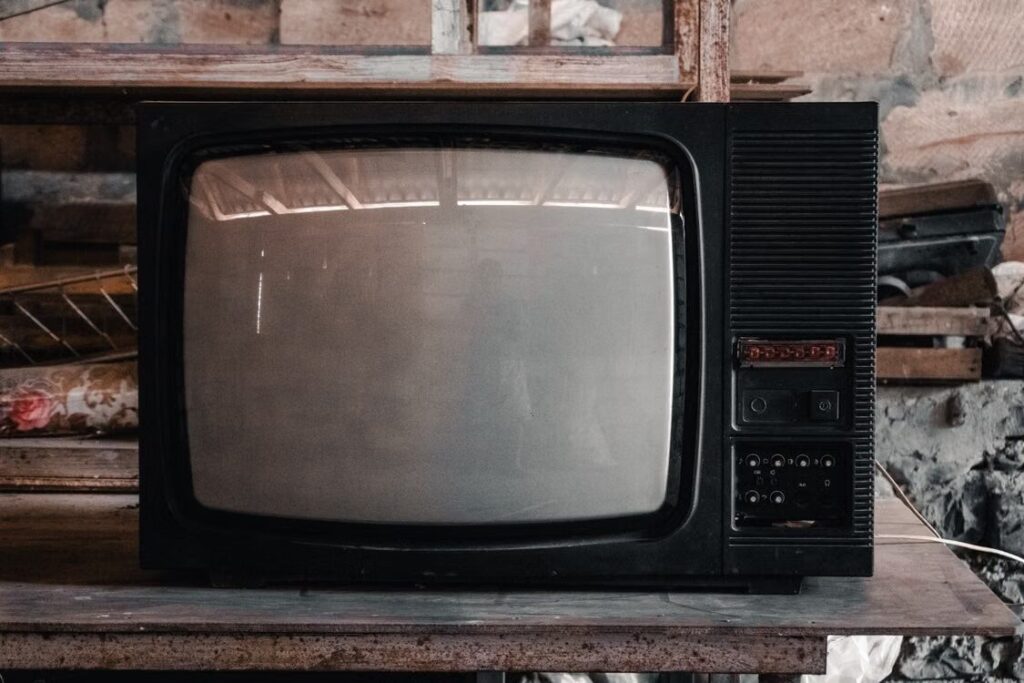
Judge the Television Before Judging Its Smart Platform
Begin with the picture rather than the home screen. Play familiar material from an HDMI source, television channel, disc player, or game console and examine the display under normal room lighting.
Brightness should remain reasonably even across the screen. Dark corners, flickering backlights, large discolored areas, vertical lines, permanent image retention, or dead pixels suggest that the panel itself is aging. An external streaming device cannot correct these defects.
Color should also remain acceptable without extreme adjustments. An older TV does not need to match the latest display technology, but skin tones, dark scenes, and bright highlights should still look natural enough for everyday viewing.
Next, test the hardware that an external player would depend on. Connect another HDMI device to every available port and leave it running for a while. Watch for intermittent black screens, lost sound, handshake errors, or ports that work only when the cable is held in a particular position.
The remote control and physical buttons deserve attention as well. Slow menus caused by the old smart operating system are less important because an external player will replace those menus. A television that responds poorly when changing inputs, adjusting volume, or turning on may continue to be inconvenient even after the streaming software has moved elsewhere.
Sound quality is another dividing line. Weak built-in speakers can be bypassed with a soundbar or receiver, but that creates another expense and additional cables. If the TV already needs a streaming player, soundbar, replacement remote, and HDMI switch, the supposedly inexpensive solution may become less attractive.
The television is usually worth keeping when the panel remains clear, the desired screen size still suits the room, at least one HDMI port is stable, and there are no recurring hardware failures. Replacing it becomes more reasonable when app support is only one item on a longer list of problems.
An External Player Changes Everyday Operation
A streaming device does more than restore an application. It replaces most of the interaction that previously took place through the TV’s built-in system.
Products such as Apple TV, Fire TV, a Google TV device, casting hardware, or a provider’s set-top box run their own operating systems and application versions. The television becomes the display, while the connected device handles menus, account sign-ins, updates, streaming, and playback.
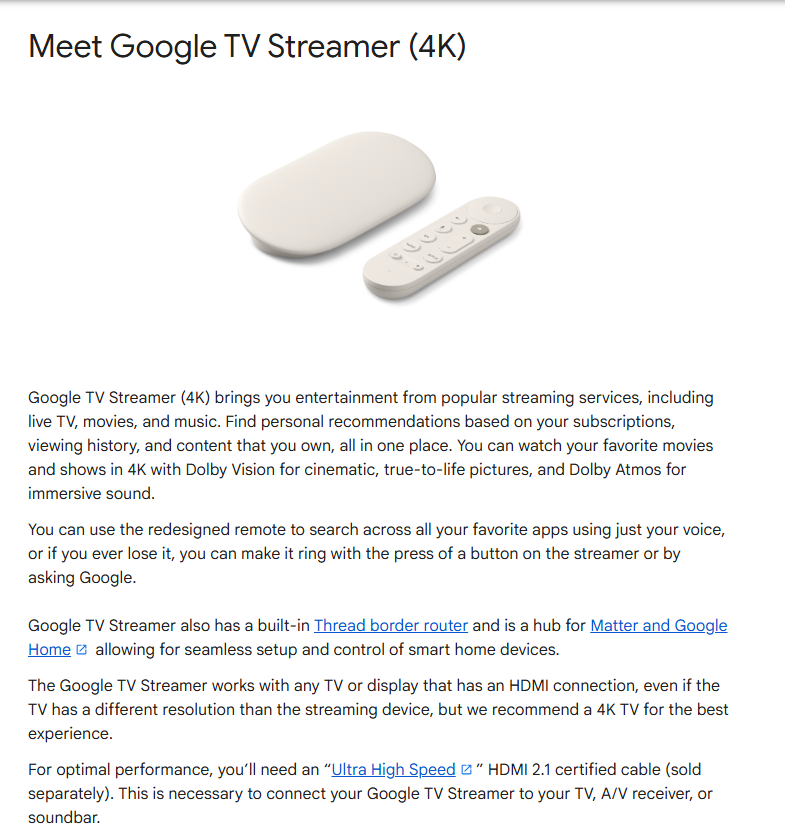
Google states that its current Google TV Streamer connects to a television or display through HDMI and uses the existing network to play internet video. The television must be switched to the corresponding HDMI input during setup.
This arrangement often feels much faster than using an old smart-TV menu. Application launches, searches, profile switching, and software updates are handled by newer hardware rather than the television’s aging processor. The improvement can be substantial even though the screen has not changed.
Convenience, however, depends on the household.
Some users are comfortable pressing an input button, selecting HDMI 1, and operating a second remote. Others expect the television to turn on directly to the streaming home screen. Children, elderly family members, or guests may find a two-remote setup confusing, particularly when the TV occasionally returns to its own home interface.
HDMI-CEC can reduce this inconvenience by allowing a compatible streaming remote to control television power, volume, and input behavior. Amazon’s support documentation, for example, directs Fire TV users to enable HDMI-CEC when power or volume controls do not operate correctly. CEC behavior still varies by television model, and older implementations may support only part of the expected control.
Before buying, consider the complete daily sequence. Can one remote turn on the television, wake the streaming device, and control volume? Does the TV remember the last HDMI input after being switched off? Can family members reach live television or another connected device without getting lost in the menus?
Voice search and mobile control may be useful, but they should not be the only workable controls. A simple physical remote is often more dependable for a shared living-room setup.
Power is another small but important detail. A streaming stick may be able to draw power from a USB port, but some TVs provide insufficient power or turn the port off during standby. Using the manufacturer’s wall adapter is usually more stable. A larger streaming box will normally need its own outlet.
The accessory is a good solution only when the improved speed outweighs the added remote, input selection, power cable, and account setup.
Faster Applications Do Not Upgrade the Panel
An external device can improve the software experience, but it cannot give the television physical capabilities that the panel and ports do not possess.
A Full HD screen remains limited to its native resolution. Sending a 4K stream to it does not create 4K detail. The player or television will convert the signal to a supported output.
The same rule applies to HDR, Dolby Vision, high refresh rates, and advanced gaming features. A streaming device may support these formats, but the television, HDMI connection, content, and sometimes the subscription plan must support them as well.
Google’s requirements state that its streaming devices need HDCP 1.3 or later, with HDCP 2.2 required for protected 4K content. Google also notes that 4K and HDR viewing requires an appropriate 4K television, suitable content, and adequate internet service; otherwise, output is adjusted to the maximum supported resolution.
Audio follows the same chain. Apple TV 4K can provide Dolby Atmos, but Apple explains that the television, soundbar, receiver, or speaker arrangement must also support the required audio format and be connected correctly.
This distinction should guide the purchase.
A viewer satisfied with a 1080p television may gain everything needed from a modest external player: current applications, responsive navigation, stable playback, and continued access to subscriptions.
Someone seeking visibly brighter HDR, deeper contrast, 4K detail on a large screen, Dolby Vision, immersive audio, or newer gaming functions is not dealing with an application problem alone. The desired improvement depends on replacing or expanding the display system.
Do not pay extra for a premium 4K streaming box solely because it carries more format logos when the television cannot display those formats. A less expensive model compatible with the screen’s actual resolution may provide the same visible result.
On the other hand, purchasing a capable external player can make sense when a TV upgrade is planned soon. The device can be used with the existing screen and later moved to the replacement television. Check that the selected hardware supports both the current setup and the features expected from the future display.
The Remaining Useful Life Determines the Better Purchase
The cost comparison should be based on how long the television is likely to remain in use, not just the price difference today.
A low-cost external player is usually sensible when the screen is still enjoyable and the household expects to keep the television for another two or three years. The accessory separates the software lifecycle from the display lifecycle. If application support changes again, replacing one small device is generally easier than replacing the whole screen.
The calculation becomes less favorable when the television already feels temporary. A user planning to buy a larger display within several months may gain little from purchasing an external box now, unless that device will also be used with the new television.
List the costs that would be required to make the old setup comfortable:
- External streaming device
- Replacement or universal remote
- HDMI cable or switch
- Soundbar or audio adapter
- Additional power outlet
- Possible Wi-Fi or Ethernet improvement
The device alone may be inexpensive, but the full repair-by-accessory approach may approach a meaningful portion of the cost of a new television.
Expected usage also matters. A bedroom television used twice a week does not need the same investment as the household’s main screen. Keeping an older secondary TV alive with a basic streaming device can be entirely reasonable even when it lacks modern display features.
For households planning long viewing sessions across several services, it is also worth reviewing How to Plan a Binge-Watch When Franchise Movies and Series Are Spread Across Multiple OTT Platforms. Platform availability, subscription timing, and the ability to use all required services on the chosen device can affect whether the inexpensive upgrade works for the intended viewing plan.
The central question is not, “Is the streaming device cheaper than a television?” It obviously is. The useful question is, “Will this accessory make the existing TV comfortable enough for the entire period we still expect to use it?”
Test the Setup Before Committing to Either Option
A short real-world test is more useful than comparing product specifications alone.
Borrow a streaming device from someone you know, use a device already available in the household, or buy from a retailer with a suitable return policy. Connect it to the exact HDMI port and audio system that will be used permanently.
Test the services that matter rather than only opening the home screen. Sign into the household’s normal applications, play both bright and dark scenes, switch subtitles and audio tracks, and watch long enough to identify buffering or HDMI problems.
Check how quickly the system wakes from standby. Turn everything off and ask another family member to start a programme without assistance. This reveals whether the input and remote arrangement is genuinely practical.
The test should cover several common actions:
Open the preferred streaming application, change profiles, search for a title, control volume, return to live television, switch to another HDMI source, and resume playback after the system has been off overnight.
Observe Wi-Fi quality at the television’s actual location. A new device may have better wireless performance than the old TV, but it cannot overcome severe signal weakness. A model with Ethernet support or an appropriate adapter may be useful where Wi-Fi is unreliable.
Also verify account and plan compatibility. Netflix notes that some older devices may not support its ad-supported experience even when another plan works, and its application includes a plan-compatibility check on supported television devices.
After the test, the decision is usually clear.
Keep the television and add an external player when the picture remains good, HDMI is reliable, the family can operate the new setup, and the TV is expected to remain in use for several years.
Replace the television when the panel or ports are deteriorating, several additional accessories are needed, the desired improvement includes modern picture or audio formats, or the household already finds the television frustrating for reasons unrelated to its missing applications.
An OTT application reaching the end of support is evidence that the smart platform has aged. It is not, by itself, evidence that the entire television needs to be discarded.